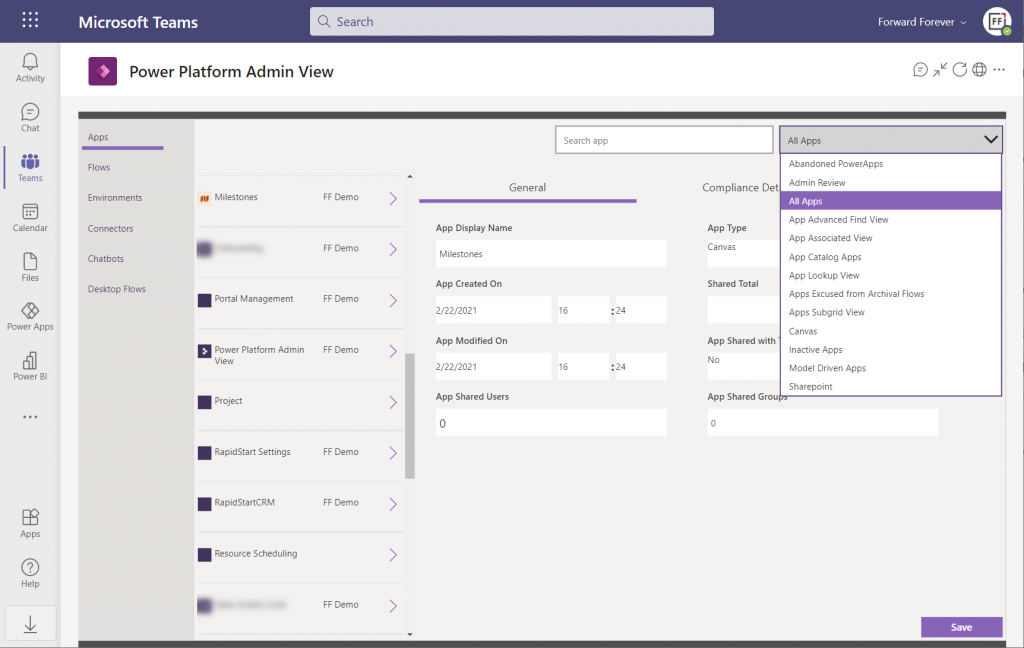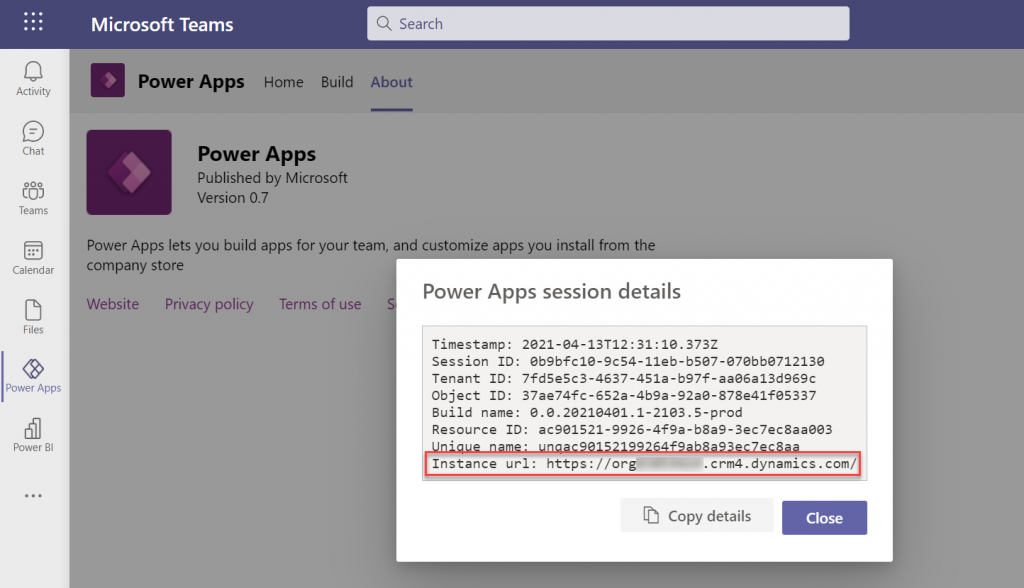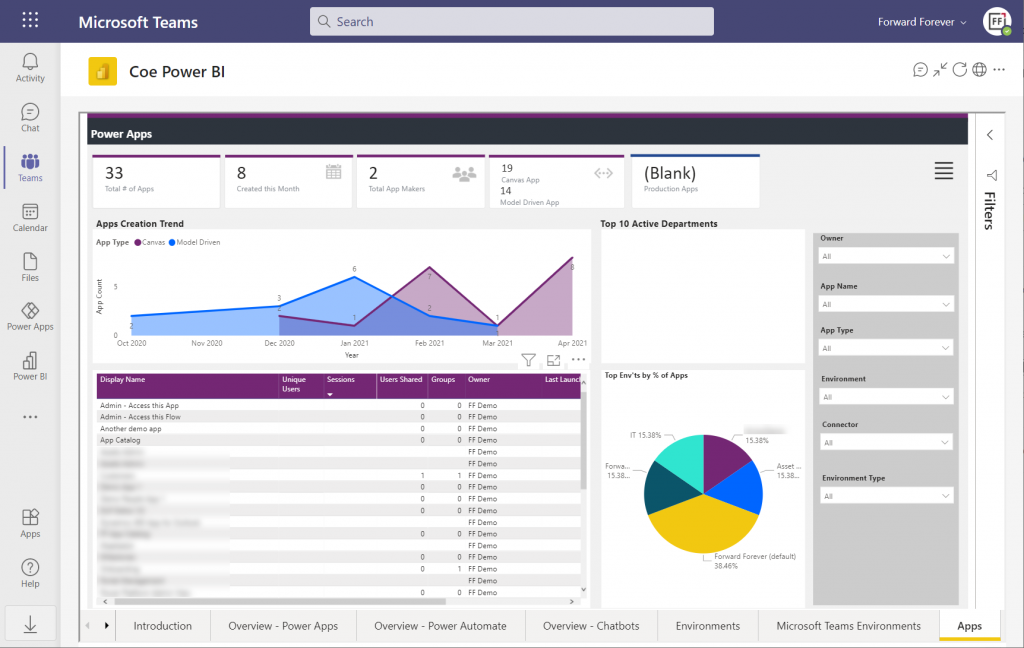
Two years ago I wrote one blog post that became fairly popular – possibly because the idea explored in it was still a bit like science fiction. At that time we were only 6 months into COVID pandemic and most people were still scrambling to adjust to their new working lives, now spent largely inside digital tools like Microsoft Teams rather than physical workplaces.
Microsoft Teams as a platform was not the first thing that organizations were looking for back then. Yet the huge spike in Teams usage and similarly in the amount of money Microsoft started allocating to the product made it seem like a logical future state. In my blog post I even predicted that Teams could become the next Windows – an OS level fabric that brings Microsoft back into the game now dominated by Android and iOS.
Has science fiction turned into reality since then? Are we now living in the future with cars driving themselves and apps running inside of Teams? Not just yet. Although I bet we’re closer to the latter vision becoming mainstream than the former one. In this post I’ll round up some of Microsoft’s announcements from the past few months and combine them with my personal observations on where we are today in regards to the Teams as a platform vision.
Innovation delayed
My general thoughts on the direction where things are headed with Teams haven’t changed. Yet it has become obvious that the pace of change will not be as dramatic as the sudden shift to remote work might have lead us to believe. This isn’t necessarily a bad thing for any of the parties involved.
Not only are the software end users often overwhelmed with how product features change and how capabilities tend to shift from one tool to another. The simple question of “where do I go to find this information” has an incredible number of possible answers in the Microsoft cloud. Yesterday your file was in Windows Explorer, today it is in SharePoint, tomorrow you’ll use it via Teams, and the day after your file will be gone and transformed into a Loop. Oh, and that Office thing doesn’t exist anymore, it’s now Microsoft 365.
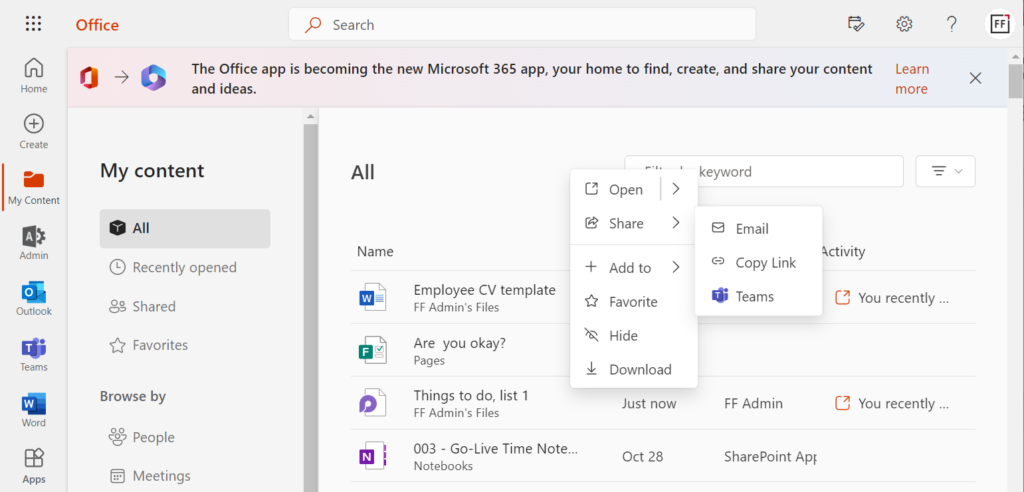
Umm, what?😦 Imagine taking a longer break, such as parental leave, then returning back to work to discover all the core tools and vocabulary of the information processing tools have changed.
Then there is the product development side. Microsoft isn’t just building a single mega product called Teams, rather they are assembling several existing capabilities to serve as the foundation for modern work. These will usually take a few years. Just like Power Apps wasn’t born to work together with Dataverse (the 2015-2018 era), Teams wasn’t designed to host all your Power Platform apps initially.
It has easily taken 3-4 years from the announcement of Power Platform for the technology to actually start working like a unified platform from app development perspective (and you still run into 10+ years old legacy Dynamics CRM areas inside it on a daily basis). Trying to squeeze all of it to work within the frame given by Teams while this unification is going on… – well, the metaphor of replacing parts of an airplane mid-air comes to mind.
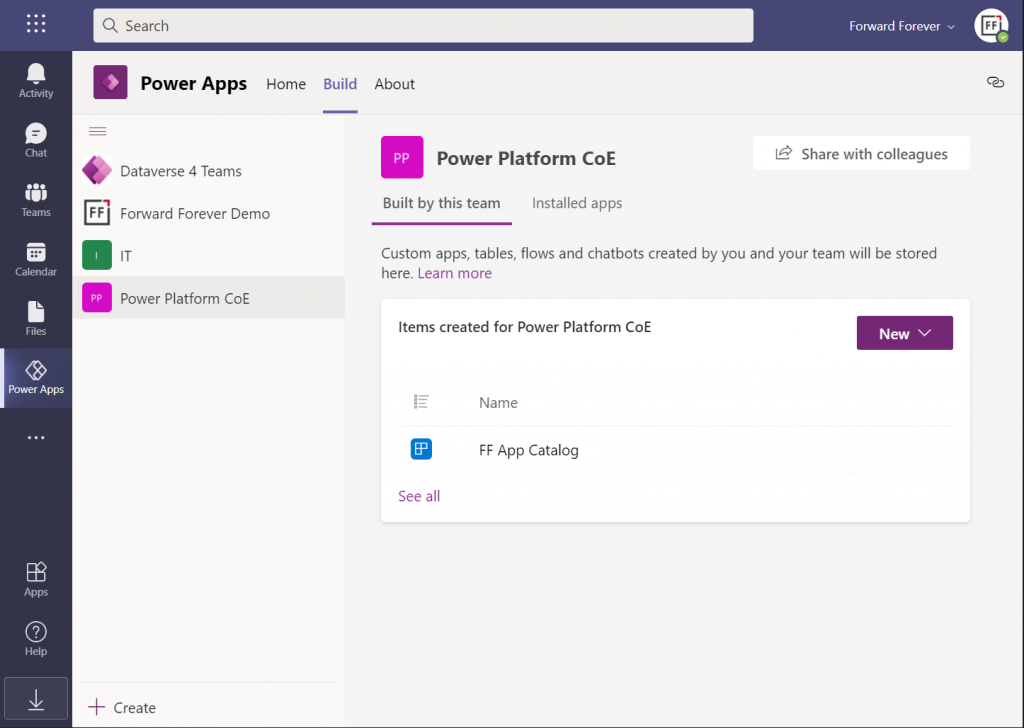
Dataverse for Teams
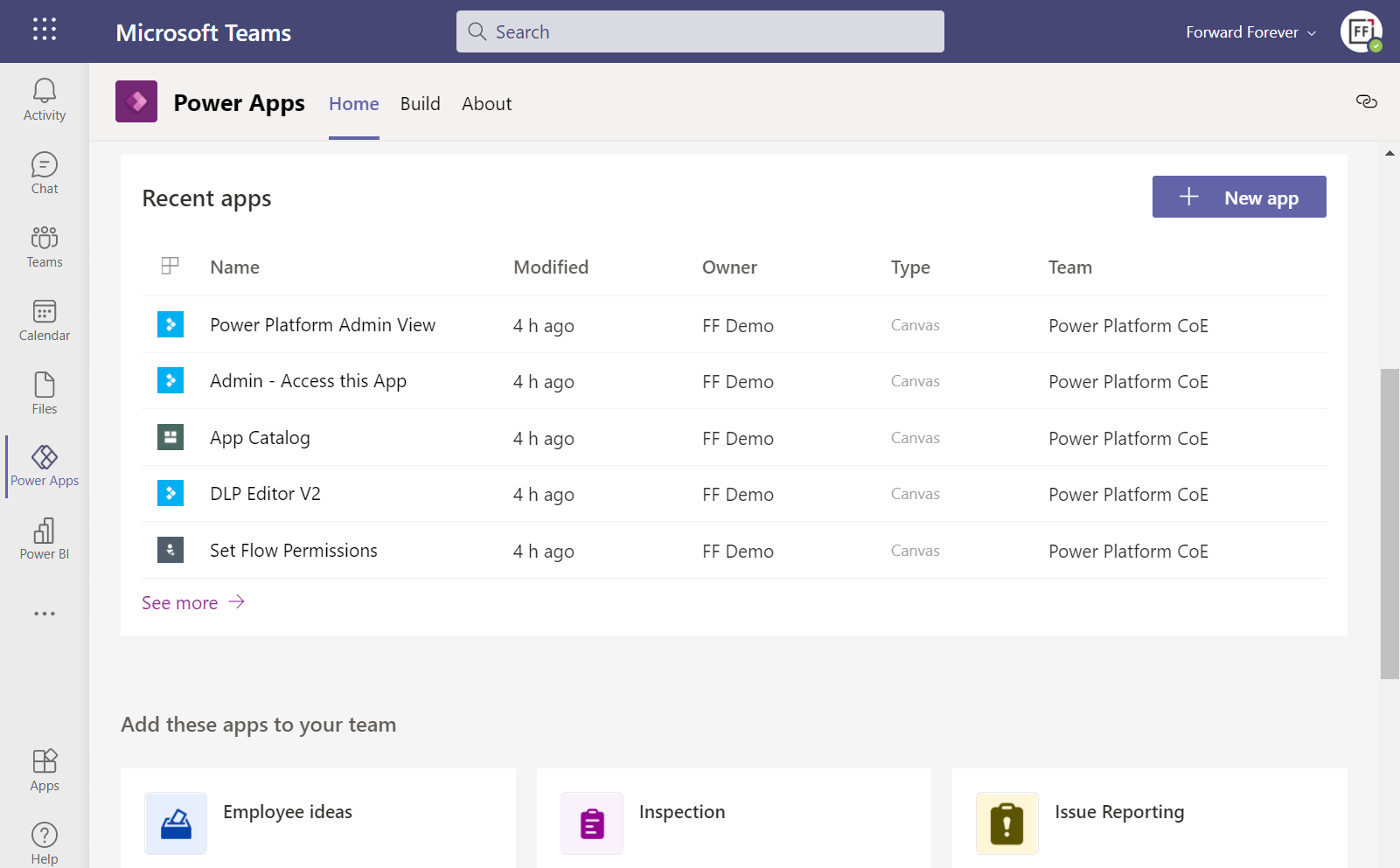
The idea of allowing Microsoft Teams users to independently provision Dataverse environments within the teams they manage was radical 2 years ago – and it still is. Today in every organization to where I’ve deployed the CoE Starter Kit to start analyzing the platform usage, the number of Teams based environments created has been high.
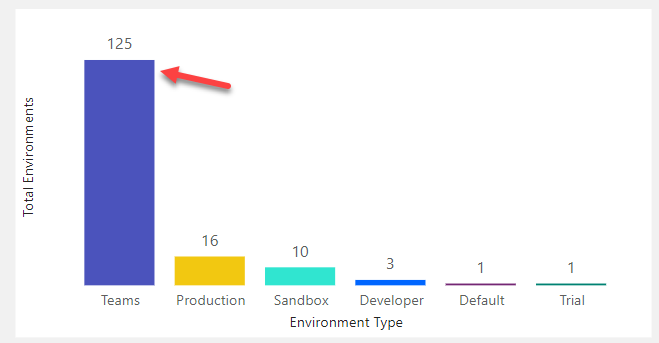
Whether the citizen developers have actually done more than install the sample apps or do quick tests with Power Apps – that’s a different question. What I do know is that at our company (Forward Forever) we’ve built several apps on Dataverse for Teams for our customers when a broad use / light touch scenario hasn’t warranted a premium license for all uses. I’ve been preaching the Dataverse for Teams gospel in many occasions (like Teams Nation 2022), to help raise awareness for all the cool things you can do with just a Teams license.
I gotta admit: it hasn’t been easy. The tools available for solution management in Dataverse for Teams are quite frankly unfit for purpose. What we have available today are more like a combination of temporary workarounds. It’s now 2 years since Dataverse for Teams GA launch and we don’t really have any formal ALM story around how to manage apps and environments on this platform. Which leads me to believe the investments nor ownership for Dataverse fo Teams at MS simply aren’t there today. Not at the level compared to 2 years ago, at least.
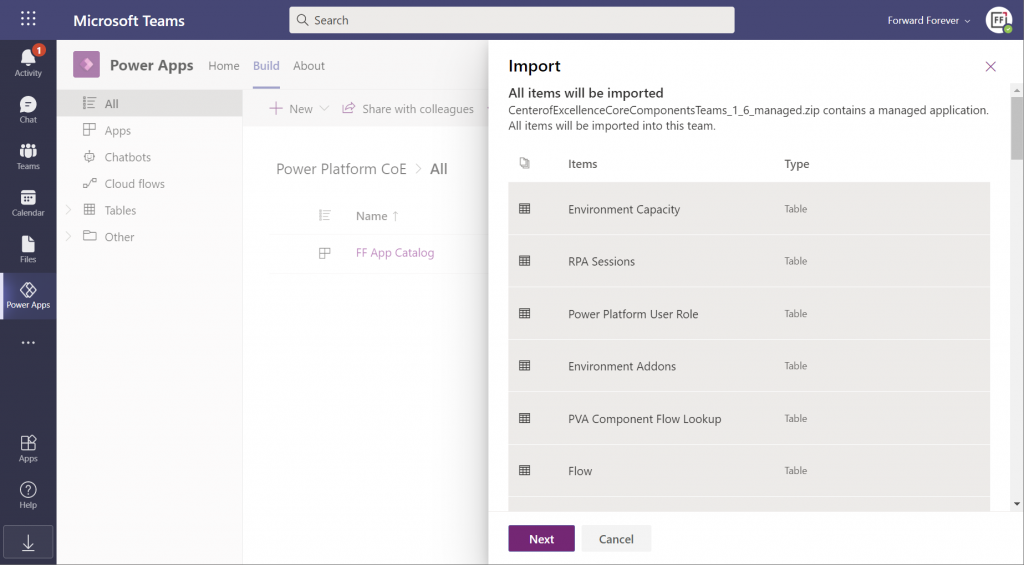
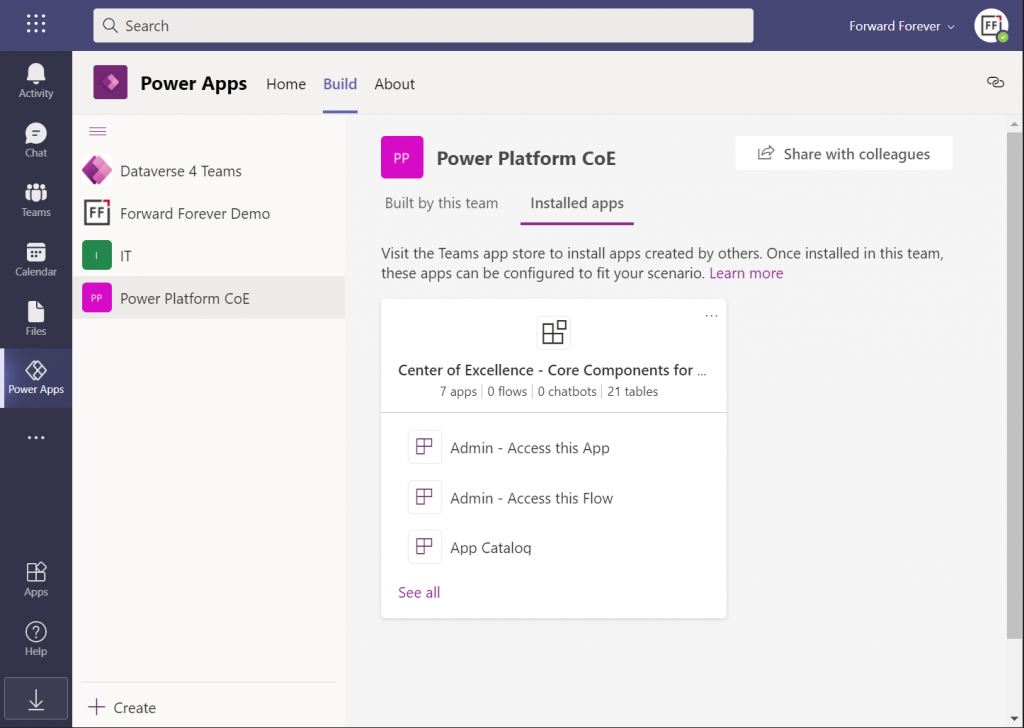
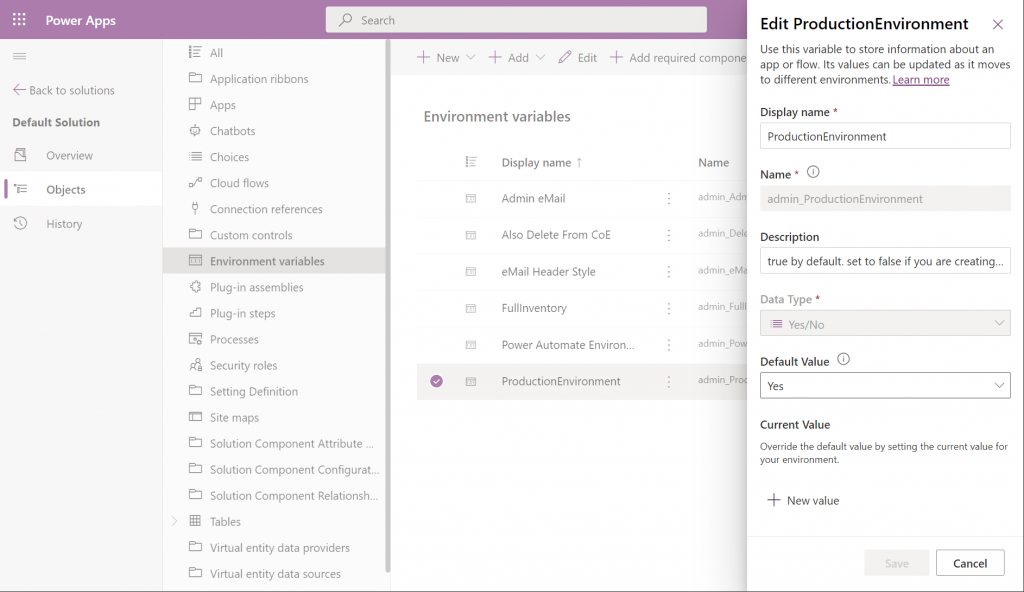
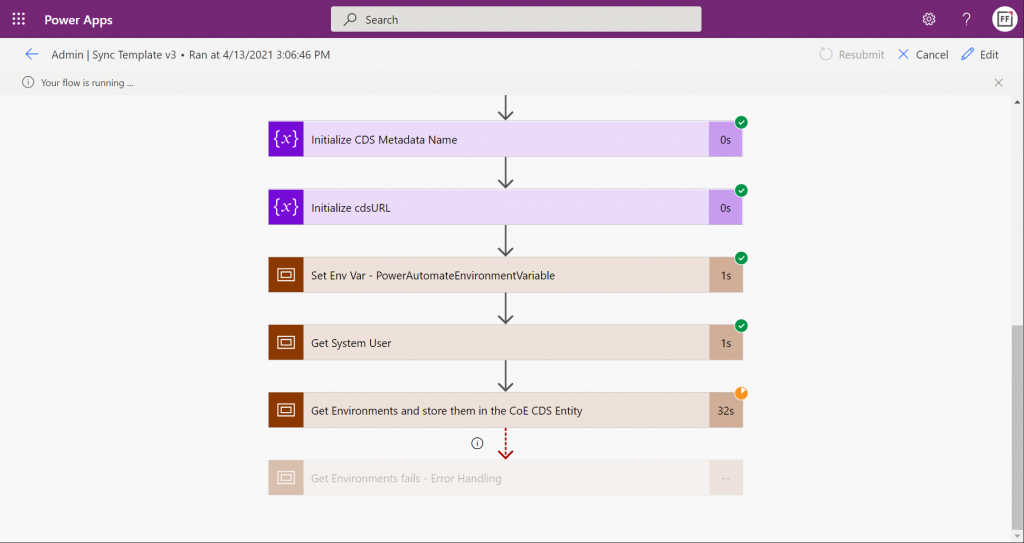
The co-existence of full Dataverse and the lite version in Dataverse for Teams has been a struggle also for the Power CAT team at Microsoft who develop and maintain the Power Platform CoE Starter Kit. A Dataverse for Teams edition was launched in April 2021, containing most of the features from the full Kit. This was to date the best demonstration of how complex solutions you could technically run inside Teams, while making them accessible to anyone with just a Teams license. In September 2022 it was announced that the team could no longer justify making the required investments in maintaining the Dataverse for Teams version:
In addition to the data platform side, there are plenty of quirks in the Power Apps studio experience, too. The product team has been aiming to unify the Maker experiences of these different studios for quite some time already. I get the feeling that there’s just so much unification efforts going around, ranging from things like Fluent UI support to the general “Run One UI” initiative (from 3 years ago already). It’s turning into one of those “in the fullness of time” episodes where we need to draw our own conclusions on what are the reasonable choices to make in the present moment.
Still, there is certain beauty to how Dataverse for Teams has been constructed from only the modern elements of the stack. Leaving away all those old layers that depend on the legacy web client infrastructure and who knows what ancient XRM bits the full Dataverse environments contain – that’s a brave goal to pursue. Shutting off direct access to the Dataverse APIs (used in every XrmToolBox plugin, for example) is surely necessary if the feature set of a “free” Dataverse for Teams edition needs to be restricted to differentiate it from the premium edition.
In theory these design choices make sense, yet what we see as the practical outcome from them as the “Power Apps in Teams” product today is… incomplete, for the lack of a better word.
Your business data accessible via Teams
Let’s move on from the app maker scenario in Teams and explore how existing business applications from Microsoft align with Teams today. In Summer 2021 there was a big statement made by Satya Nadella himself that Teams customers would receive access to Dynamics 365 data at no extra cost. I blogged quite extensively about the possible means through which such a capability might be implemented in practice.
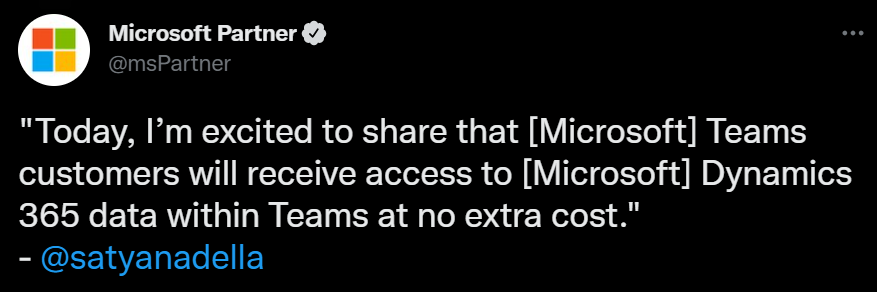
So far, it all remains speculation only. It’s been over a year now and these capabilities have not materialized as product features that would support the licensing or security model required to make things real. Microsoft has been actively promoting the collaborative apps theme, though, and we’ve seen some demos of how Teams could better expose business data within the context of conversations.
After you see the high level product vision in a demo video, it’s always a good idea to search for the product release plans for any matching items to answer what exactly might be arriving into which product and when. Recently I noticed that in the latest release plans for Dynamics 365 pretty much all the Teams and Outlook related new features under Sales had been removed from the plan. It was later clarified by a MS employee that these were in fact moving under the Microsoft Viva Sales app:
Microsoft Viva of course is a huge topic of its own. In a way, it is all about bringing apps within the context of Teams. Yet all those Viva apps will be built by Microsoft. It is therefore not a similar platform story nor an opportunity as what Power Platform represents to customers or partners.
There’s a lot of resemblance between the Dynamics 365 and Viva brands, in the sense that they are 1st party apps designed in Redmond. A few years ago we saw the Dynamics 365 product family rapidly grow with new apps being announced every few months (remember all those “AI for X” products?). A lot of them seemed quite experimental in nature. I suspect we’re about to see the same phenomenon within Microsoft Teams as new Viva apps will be arriving for various business processes. These will demonstrate how MS themselves are using Teams as the platform for their products.
Viva Sales
The first Viva product with a business application focus to reach GA status is Viva Sales. It is marketed as “the app that removes the burden from your sales people to work with your big, clunky CRM system directly”. The notion here is that CRM tends to evolve into a tool for sales management and customer master data integration across other big systems, which can be at odds with what the persons doing the real interaction with customers would need to get their jobs done.
The three main areas where the Viva Sales app manifests itself are 1) Outlook side pane for emails, 2) Teams chat/channel messages and 3) Teams meetings. The app itself doesn’t store customer data, rather it connects with either Salesforce or Dynamics 365 to pull this information.
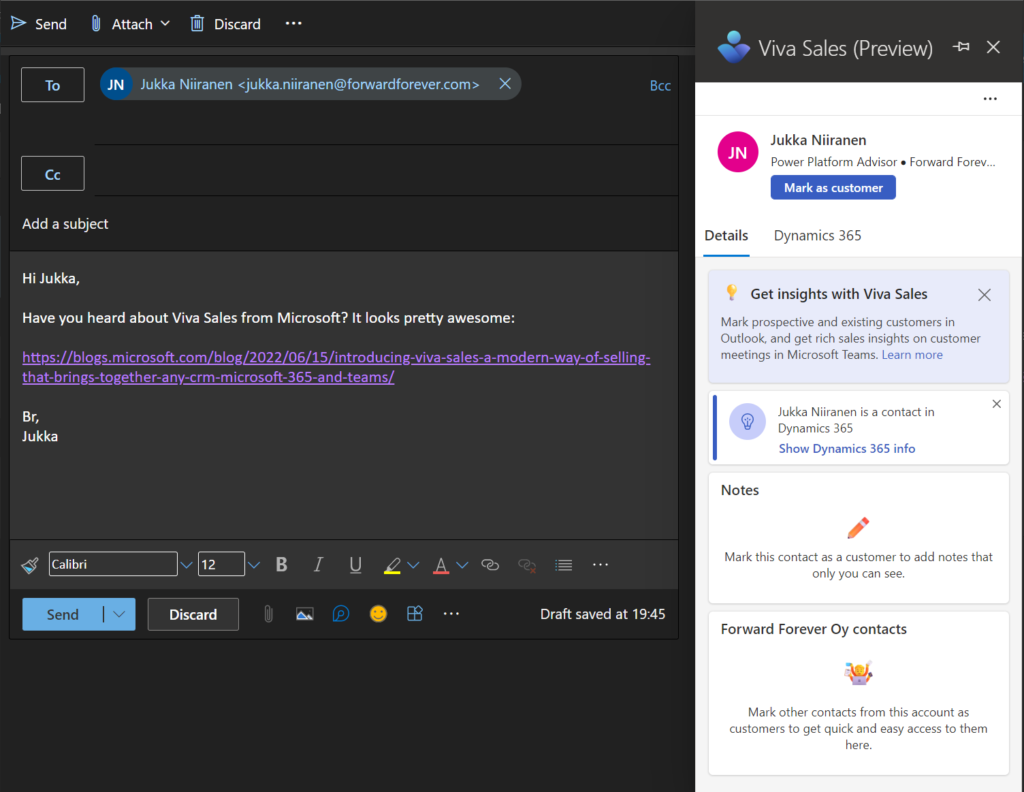
If you’re a Salesforce customer, than the purpose of Viva Sales today is pretty clear: helping your sales people to use CRM data across Microsoft’s Teams and Outlook apps. If you’re using Dynamics products, then this will sound pretty familiar and obvious to you. You might be wondering: “isn’t that something we can already do today?” To a large extent, yes. Much of what Viva Sales represents to existing MS customers is the promise of a better tomorrow with future integrations and experiences that may deliver new value.
This leads us to the commercial positioning question. Salesforce customers will need to pay $40/user/month to access Viva Sales features. Dynamics 365 Sales Enterprise or Premium users will get it bundled into their existing subscription. For everyone else, Viva Sales is not relevant / available today. Maybe in the future we’ll see more CRM systems supported, who knows. I think it will depend a lot on whether the Salesforce audience buys into this or not.
So, how would Dynamics 365 Sales professionals users get access to Viva Sales? By upgrading from their $65 subscription to the $95 Enterprise version. What about users of other Dynamics 365 CE apps like Customer Service Enterprise? By paying $20 more to add Sales Enterprise into their plan. OK, then what if you’ve built a custom business app on top of Dataverse? It’s not supported today by Viva Sales, although Charles Lamanna suggested it was in the works. We’ll see.
For everyone working with business data in Dataverse, the existing Dynamics 365 App for Outlook remains an option. It’s one of those “hidden gems” of Power Apps that MS avoids bringing up too much, yet the Outlook integration is fully supported and working with a Power Apps license. As for the Teams integration part, we have the Dynamics 365 app that hasn’t seen much love recently but also hasn’t yet been announced as deprecated.
Microsoft has said they are working on bringing more Viva apps to support customers’ business processes. It’s likely that we’ll see a customer service focused app at least. While these targeted experiences sound sensible from a single user persona perspective, it’s unclear to me what the targeted state for collaboration scenarios across departments should look like. Will a sales rep share an account in a Teams channel via the Viva Sales app and then for the customer service rep this somehow switches to be the “Viva Service” app data instead? Multiply this with all the other departments plus custom business apps on top of Power Platform and we’re going to need bigger navigation bars to accommodate all the different app icons…
The Viva Sales price point of $40 is something I personally see as a tough sale. For perspective, back when Dynamics CRM Online was launched globally, the whole CRM cloud suite covering sales, service and marketing cost less than that. It also included the XRM platform, which has since then been split into a dedicated SKU called Power Apps Per User – at $20. Comparison of empty platforms vs. readymade apps isn’t that fruitful, though. Perhaps the sticker price is set intentionally the way it is, to then allow MS account managers to negotiate sweet deals with customers running Salesforce today and get them more deeply hooked into the Teams platform story, instead of Slack.
Teams infrastructure for applications
The more people do their work inside Teams, the more demands there are for it to work like an operating system rather than just a meeting app. The current framework we have in Teams right now, based on Electron, is a known resource hog and a performance bottleneck that doesn’t scale into the future vision of the Teams platform. There is also great challenges in enabling cross-organization collaboration today, given how painful the tenant switching process is for accessing resources as a guest user in a team.
We’ve heard Microsoft say that Teams 2.0 will eventually arrive, built on Edge WebView2, yet the timeline remains unknown. The next Teams version might be tightly integrated with Windows 11. At least the Teams Linux client was recently retired and users are instructed to move to the Progressive Web App (PWA) version once available. This all points to MS being quite serious about turning Teams into something that isn’t merely a Zoom alternative for meetings but more like an extension of the OS. If that means the best experience is available only via modern Windows devices, maybe it’s not such a bad trade-off with the current market share of Teams.
Performance isn’t the only infrastructure issue that may stand in the way of Teams becoming more of a platform. If a growing number of applications and services are consumed via Teams rather than via a native app or the browser, this inevitably turns the eyes of IT professionals into the security implications of such a shift. A recent study has revealed that the app model used by Slack and Teams is potentially “six years behind that of iOS and Android”. Once organizations wake up to the possibilities of how individual Teams users can authorize third party apps to run code from external servers and potentially impersonate them for phishing purposes, for example, Microsoft will be forced to spend a lot more energy on platform security topics.
One might think that while allowing 3rd party applications with custom code running in external services could be problematic, allowing the low-code apps built on Microsoft’s own services inside Teams would be an easy choice to make. Yet it’s in fact the opposite. External apps from third parties have been in the app store for many years now, while the publishing of Power Apps into Teams store has been explicitly forbidden. Distributing low-code collaborative apps across organizations has therefore been a bit of a dead end. Presumably the Power Apps based solutions wouldn’t have met the Microsoft Teams store validation guidelines.
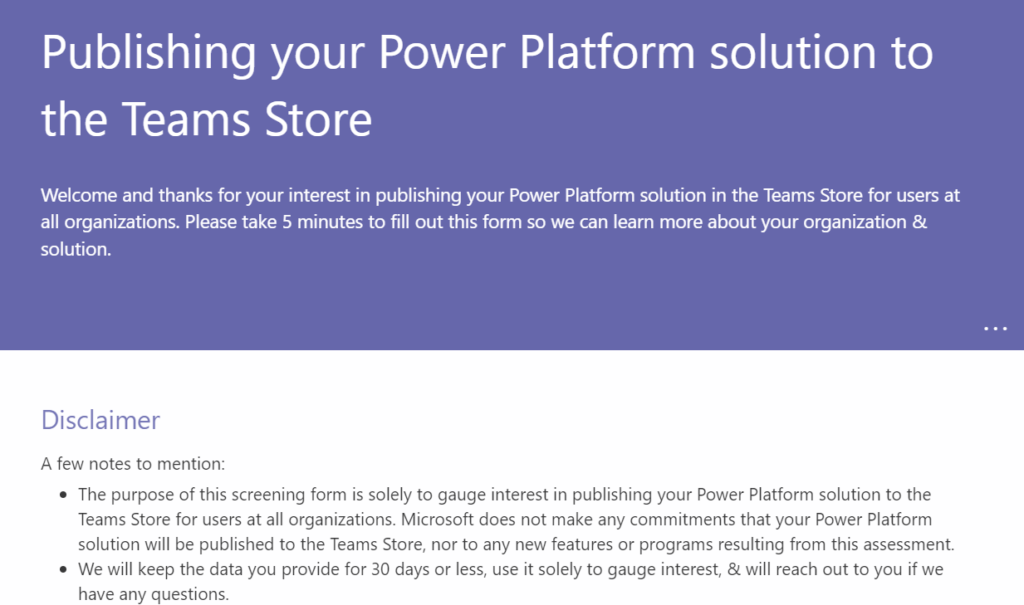
A few months ago the wording in the documentation was changed and now it says: “If you’re interested in publishing your power apps in the Teams store for users across all organizations, please fill out this form.” It seems the product team is now gathering data on which scenarios to prioritize for the app store publishing route. Getting the road open for partners to distribute Power Platform solutions via the Teams apps store may still take some time.
The final topic which I want to touch upon before closing this “state of the Teams platform” analysis is technically not about Teams, yet in practice I think it’s very much intertwined with it. I’m talking about Loop components.
It’s a bit over a year now since Microsoft announced Loop at Ignite 2021. One year later, at Ignite 2022, the Microsoft Loop app was again announced – as private preview. I bet not many people outside the MS geeks ecosystem have interacted with a Loop component (at least intentionally). While the product documentation tries really hard to get you excited, claiming “the possibilities for collaboration are endless”, in fact you reach the end of possibilities with Loops today quite quickly. You might create a quick list in a Teams chat, then that component gets pushed into history as new stuff arrives – and you never see it again.
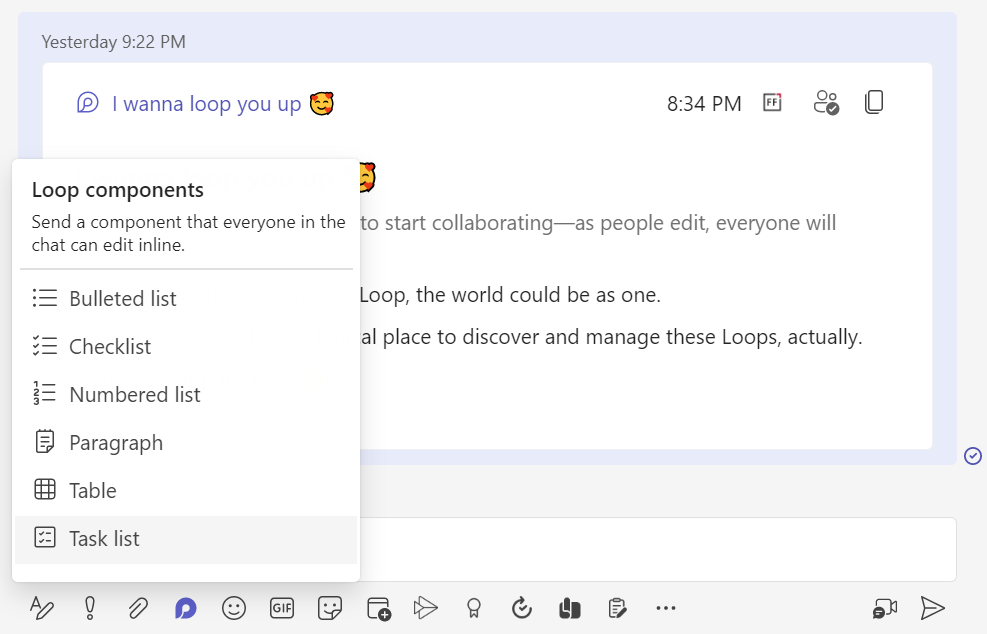
I think this has not been the optimal way to build up authentic excitement towards the technology. What MS could have been putting more emphasis on is showing how data can be pulled from an existing source, like CRM or other systems of record, and then shared as dynamic cards in the context of a discussion. These scenarios have of course also been included in Microsoft’s product vision videos for a long time already, with Context IQ linking you to any business record via a simple at-mention. Yet the problem is: it’s been a while and all we still can do with Loop is type text into lists and tables.
Coming from the low-code side, I was pretty excited the first time I saw the feature that has now been given the name Cards for Power Apps. Technically it isn’t anything revolutionary, rather it is a citizen developer friendly way to utilize the concept more familiar to pro-devs: Adaptive Cards. It’s not a flashy real-time co-editing experience of data like Loop aims to be, yet it is something that’s much easier to find real business use cases for. Interactive notifications that allow you to complete a quick data entry task without opening any other apps – the world is full of scenarios where these could replace the daunting of system generated emails.
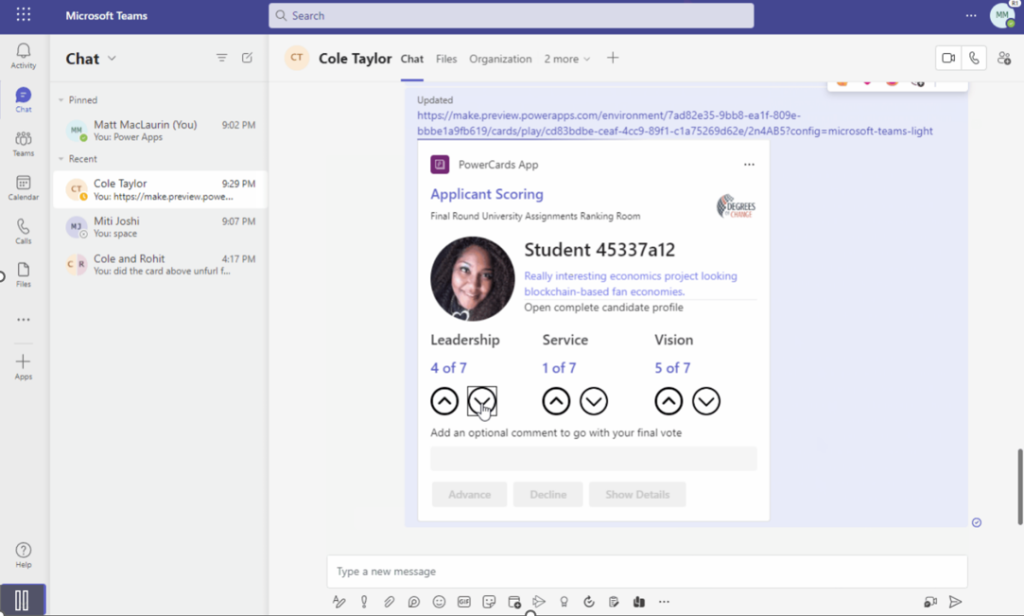
The idea of sharing a live Loop instead of a link to a document or an app in the cloud is something most information workers probably wouldn’t explore on their own. It will take many consecutive and consistent nudges from MS to get people to change their ways – which is why Teams probably plays a more important role in this shift than the dedicated Microsoft Loop app itself.
Cards for Power Apps today are a very rough preview still, yet I think these might be the middle ground that can actually push the idea of Teams as an application platform forward. We’ve seen Microsoft promote the concept of Adaptive Card-based Loop components for partners like SAP, Zoho, Smartsheets to bring their business data inside the context of a Teams chat. No, it’s not built on the futuristic co-authoring experience of Microsoft’s Fluid Framework – and that’s just fine.
For that future to eventually arrive, I believe we should first get a working intermediate version of the technology out there into the hands of the Makers. I really hope Microsoft could find a way to promote the makers of Power Apps to become “first-class citizens” inside the Teams world. Unlike the commercial ISV solutions from keynote demos that merely integrate with Teams, the citizen developer solutions could be born inside it – if only it didn’t require extra effort and compromises like it does today.
Header photo by Fallon Michael on Unsplash.