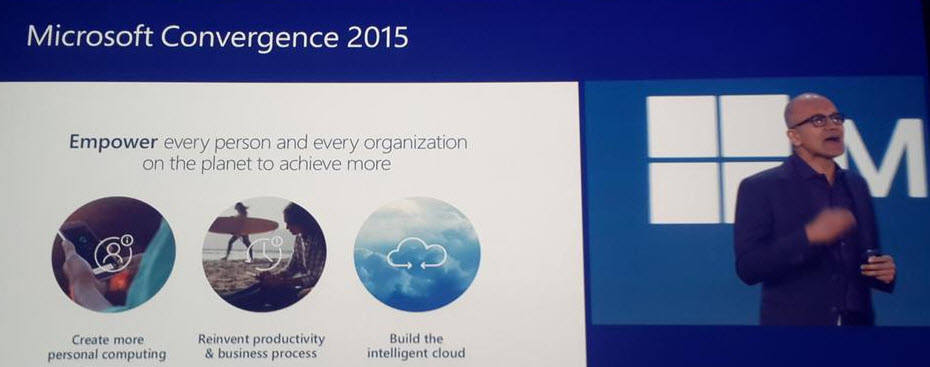
Hey, did you notice what happened in Atlanta last week? Yup, it was again that time of the year when the Dynamics CRM & ERP crowd gathers together at Microsoft Convergence. Instead of packing my bags and hopping on a plane, I once again opted to staying at the comfort of my own home and instead opened up Tweetdeck to keep an eye on all the great content being shared by Dynamics community members on the social networks.
With Satya Nadella himself opening up the event, it was clear that this year Convergence was going to be about a much broader spectrum of Microsoft solutions than just the Dynamics products. Although Satya is a former CRM blogger, he wasn’t there just to prove he still can build cool mashups with the XRM toolkit but rather to tell the higher level story of what business benefits companies can expect to gain from using the latest and greatest cloud technologies that Microsoft today offers. This is of course the fundamental reason behind why applications like Dynamics CRM are being deployed, and with the ever growing complexity of technologies intertwined together to support digital business, it’s important to increase the customers’ awareness of the types of end results they could be pursuing with the use of this technology.

So, while technology is just the means to an end and CRM is just one (central) part of a modern business technology stack, it’s still the area in which I personally strive to deliver the biggest positive impact to our customers. That is why I’ve decided to write down a few notes about what Convergence 2015 announcements you should pay attention to if you also happen to work with Dynamics CRM.
CRM Online Spring ’15 (v7.1) Is Almost Here
Known by the codename “Carina”, the next CRM release scheduled for this spring was officially revealed at Convergence 2015. The “What’s New” page for the upcoming version is already live and so is the admin content on TechNet, as well as the developer content on MSDN. The official name for Spring ’15 appears to be “CRM Online 2015 Update 1“, which is a bit of an awkward choice since based on the aforementioned documentation Vega a.k.a. CRM 2015 was called “CRM Online 2015 Update” (without a number, so presumably “Update 0”). Oh well, we all know product marketing names at Microsoft are an eternal mystery, so it’s easier if we stick to the recently simplified version numbers instead. Vega was CRM 7.0 and this next update is CRM 7.1 (but before that we’ll still get UR1 which is 7.0.1…).
Okay, enough with the numbers. Considering that 7.1 isn’t a new Dynamics CRM major version release but merely a minor version, there sure are plenty of new features and enhancements packed into this next release. I won’t try to list them here as you’re better of reviewing the above links, but the one feature that you simply can’t miss is the new Navigation Bar. You can see it live in action in this video and let me tell you from my experience with using a Carina preview org, it’s love at first click!

Arguably the single biggest gripe people had with the refreshed UI introduced in CRM 2013 was the Nav Bar with its ability to only show ~7 menu items on a single screen, then requiring you to scroll right and play really close attention to not moving your mouse cursor too far or the whole menu would collapse. Microsoft has now taken the menu structure introduced in Dynamics Marketing (which has a lot of menu items in its navigation) and brought it over to the world of Dynamics CRM. We now get a “hamburger” menu button that opens the first level (Sales, Service, Marketing, etc.) and clicking on one of them shows us all the included menus aligned vertically, broken down into subgroups. While this does show many more items to the user at once, it’s still a considerably smaller cognitive burden than trying to remember where you need to click to reveal a menu item that’s not on the screen, which happens all the time with the current version.
The initial reaction to the new Nav Bar from the CRM folks over on Twitter was extremely positive. This feature in combination with the revised MRU menu (most recently used items) that supports pinning records and views into the Nav Bar is certainly going to improve the user experience of Dynamics CRM considerably. Although it’s still advisable to optimize the structure and contents of the Sitemap to remove unnecessary items and promote the most important menus, the larger menu canvas is very much needed in more complex environments with a high number of custom entities that simply need to be shown to the users somewhere.

The one thing that’s somewhat inconvenient about this updated navigation is that it will be initially made available only to CRM Online users. Yes, in case you have missed it, Carina / v7.1 is an Online-only release that will not be made available to on-premises customers. This was the initial plan already one year ago with the Leo release, but that then eventually turned into an Online+onprem release as Microsoft Dynamics CRM 2013 Service Pack 1 was made available for download to all CRM 2013 customers. Don’t expect to see such a change of heart this time around. The new features announced are expected to become available to on-premises customers in the next major release “Ara” (8.0) later this year. (more…)