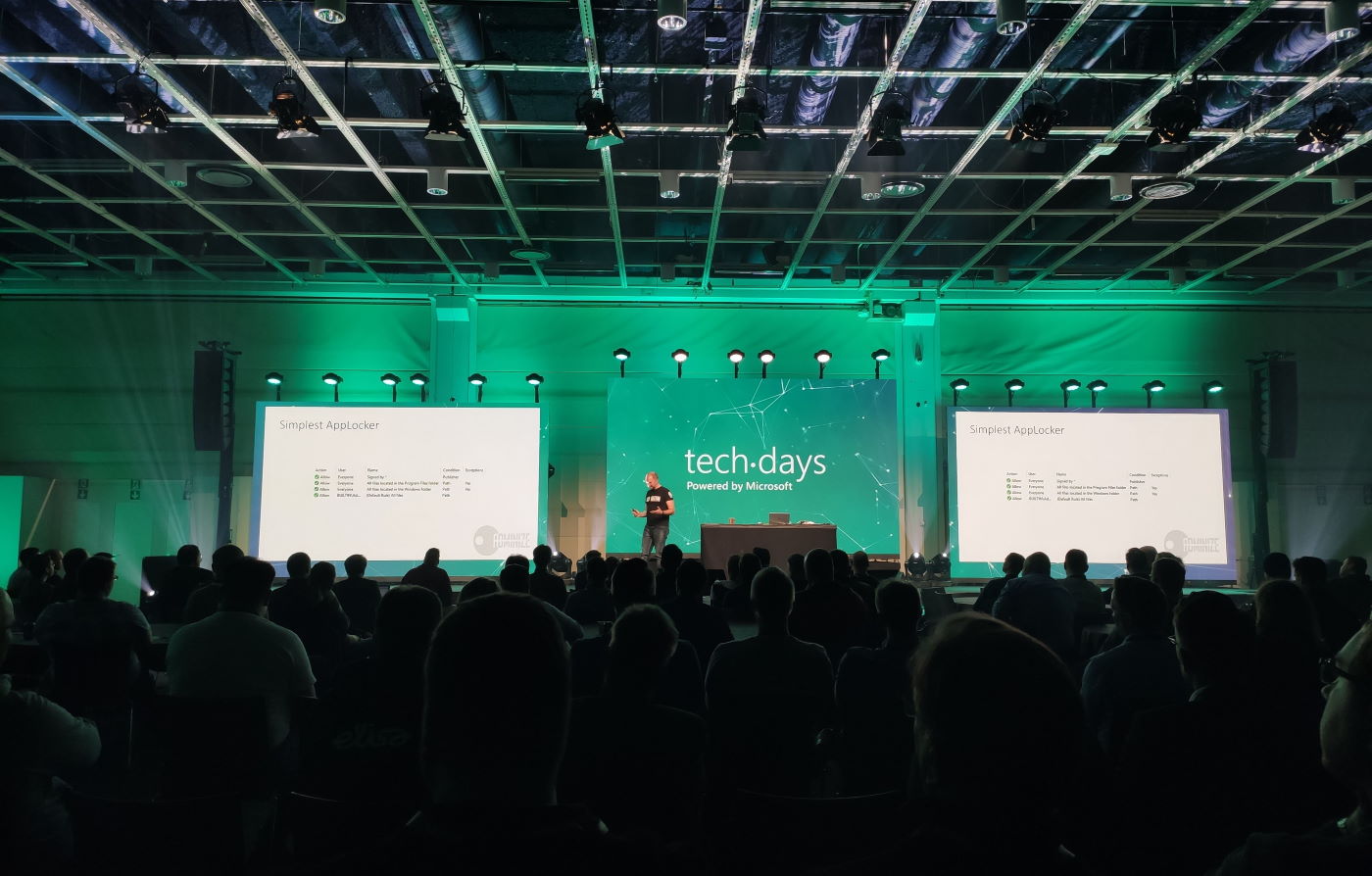
March 5-6 marked the annual conference for Microsoft geeks in Finland to gather in Messukeskus Convention Center and enjoy two days full of expert sessions on the latest MS technologies and real life stories on how all this tech is making an impact out there. In this blog post I’ll reflect on the sessions that I attended at TechDays this year and share some thoughts on what I think are topics worth exploring more. You’ll also find links to slides and a few social media posts from the event.
Let’s get one thing straight first: Power Platform is everywhere these days. Even a Microsoft IT & Dev conference like TechDays 2020 was opened with a keynote presentation that stared with the 4 pillars we’ve come to know from the Digital Feedback Loop, familiar to all Dynamics 365 professionals by now. Engage customers. Empower employees. Transform products. Optimize operations. The goal of digitally transforming organizations has become the overarching theme of Microsoft’s product offering, supported by global cloud infrastructure, enabled by Azure services, integrated with Office 365 productivity tools and ultimately unlocked by the apps created on top of Power Platform.
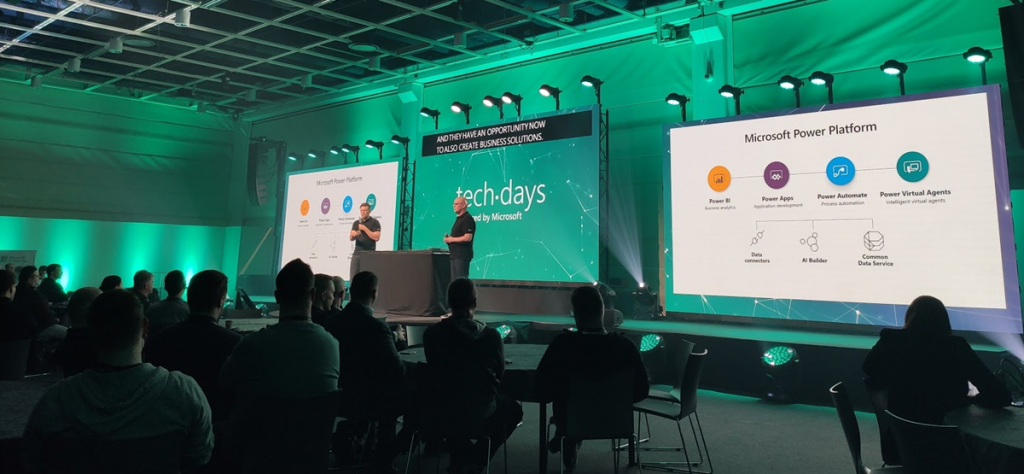
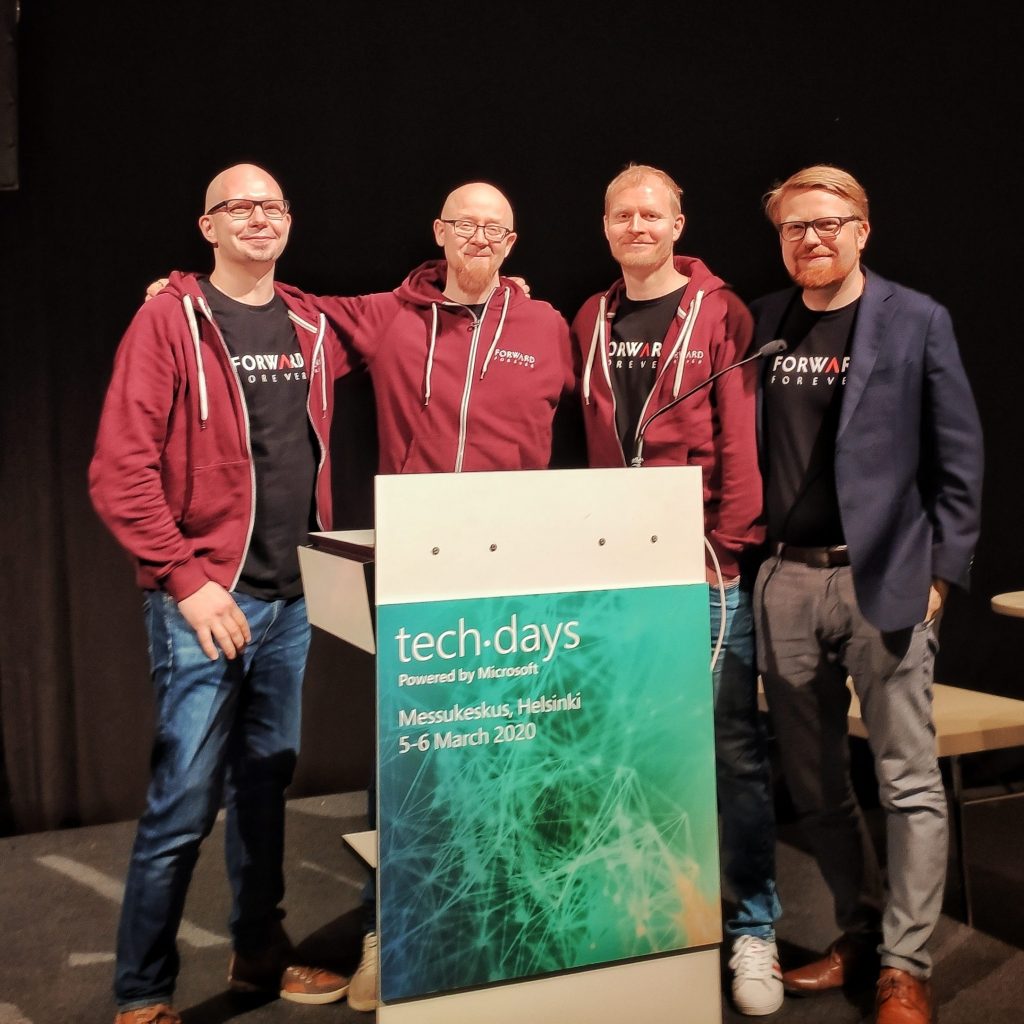
For many of the attendees, the journey of how exactly we’ve reached this tipping point of low-code applications isn’t necessarily familiar yet. For us at Forward Forever, a new technology agency focused 100% on Power Platform, being able to participate in discussions with MS tech professionals around this theme was of course of highest importance. Our whole team was present for the 2 days of the event, to ensure we’ve got a thorough understanding of the state of the ecosystem. Thanks to everyone we had a chance to meet at TechDays! Lots of great dialogue and awesome feedback to encourage us to push forward with the vision that we have for our new company.
Our very own Power Platform guru Timo Pertilä had two sessions at this year’s event. The first one was aimed at the broader audience of non-PP professionals, to help them get started on creating Power Apps Canvas apps. Timo gave us the kind of tips he wished he had been given back in 2016 when starting to explore these tools. When it comes to Canvas apps, the most important step is to A) decide on an app that you would actually want to use yourself and then B) just creating it! Following along the lines of a simple IT asset management app built on top of a SharePoint list, Timo’s session went through all the common areas that an app maker should be aware of. I encourage everyone to pick a training lab from one of the many Power Apps learning resources and just follow through a scenario, to understand how these new tools can really democratize the creation of simple business apps on top of existing data sources.
The second session by Timo was about exploring the capabilities of the new UI Flows in Power Automate. RPA, Robotic Process Automation, is a smoking hot topic and the addition of such capabilities into Microsoft Power Platform has gotten even cool-headed Finns like Timo excited about the new opportunities. Yes, while integrating software properly via API based automation remains the core of what Power Automate excels at, the option to connect to systems that for one reason or another can’t be accessed via APIs can close the final gaps and turning manual processes fully digital. In the TechDays session we saw a demo story of an employee onboarding process for HR deparments. Using UI Flows to create user accounts in a non-API enabled legacy system such as Microsoft Access is now possible with these graphical tools that record the steps in the UI and then execute them by using variables like employee name as inputs from other parts of the Power Automate flow.
Although the use of a “proper” relational data management system like CDS would be preferable in building apps for enterprise wide use, the fact is that SharePoint remains both a commonly used as well as easily accessible data store for many citizen developers. The session by Mikko Koskinen showed us how you can leverage tools from the Power Platform to improve the user experience and also auditability of actions that users take on SP list and document data. Custom forms built as Canvas apps and process automation implemented as Flows can do wonders to your SharePoint based business apps, and of course they also open up the connectivity to many other Microsoft services to further extend the feature set as the demands of enterprise customers evolve beyond Office. Having a common set of low-code customization tools across the whole MS stack is where the real Power of the Platform lies.
Microsoft Teams is becoming ubiquitous in the business world as pretty much all organizations on Office 365 are moving away from Skype for Business. The end result of this mass exodus towards Teams may not always be the automatic improvement of teamwork and employee productivity, if all you do is enable the licenses and activate the new services. The Teams MVP duo Vesa Nopanen and Karoliina Kettukari delivered an entertaining story of the rogue cowboys (end users) vs. the central command center (IT department) and how their perspectives on how Microsoft Teams should be implemented and managed can differ wildly. There are plenty of smart settings that the IT guys could automate behind the scenes for a more productive workday experience, but at the end of the day, a lot of the everyday usage of Teams relies on the real life teams to agree on common practices and expectations on how everyone will use the software tools. Educating and encouraging both parties to do their part is therefore essential for achieving success with MS Teams adoption.
Teams is not just a communication tool, though. It is quickly becoming a platform, which from my perspective is the most exciting aspect in its rise to popularity, since this paves way for a wealth of scenarios to better leverage Power Platform tools for a broad information worker audience. MVP Christina Wheeler presented us to path on how to get started with developing Apps for Microsoft Teams. It’s worth exploring the wealth of Teams App Templates that MS has published on GitHub, as these will give you many ideas on how to link various Azure services into the UI that your people are spending a growing part of their days working in. From a low-code development perspective, though, the options for bringing in Power Apps into the Teams navigation experience is the low-hanging fruit that you’ll also want to explore.
Another super hot MS technology alongside the low-code Power Platform and ubiquitous Teams is Azure Synapse Analytics. In the TechDays 2020 keynote, Data Platform MVP Vesa Tikkanen and Anne Komscha from Stora Enso presented what opportunities this brand new cloud analytics offering from Microsoft opens up for organizations to rethink their data architecture. Vesa demonstrated the unique capabilities that Synapse brings to the table by connecting to and from a SQL Server 2000 virtual machine to the modern data cloud. It’s therefore not a “rip & replace all the things!!1!” type of a scenario where Microsoft is aiming at here, rather they are playing on the compatibility card here and ensuring that your complete data estate can connect with Synapse. Thinking about the Customer Data Platform scenarios where this same underlying technology will be leveraged to identify customer profiles from various sources, it’s easy to understand why MS is so bullish on their position in the emerging CDP market.
As your data and your apps are all either moving to or at least being connected with Azure, it’s no wonder that questions on how should we secure all of this are bound to surface more and more. Azure MVP Karl Ots explained the role of security in the cloud adoption journey to a packed room full of MS tech professionals that probably have all done hands-on experimentation with many Azure services yet not necessarily paid attention to how to limit access instead of enabling it for their own super admin accounts. Role-based Access Control (RBAC) gives you a comprehensive toolkit to configure the permissions in alignment with the identified parties who need to access resources in your subscription, but it may still come as a surprise how much rights can be inherited from the top down to the individual resources if your model isn’t well planned out.
Rob Kuehfus from Microsoft presented a possible solution for approaching the wider journey to the cloud: Cloud Adoption Framework for Azure. This represents MS efforts to consolidate their earlier fragmented whitepapers and information sources (up to 40 earlier, based on what Rob told) into a single source of guidance and best practices on what to do on each step towards the cloud. From planning the organizational roles needed on the journey to building focused “landing zones” where the first customer workloads can be dropped on, this framework should become the go-to resource for establishing common understanding between customers and partners on what’s actually needed when adopting Azure at scale inside an enterprise organization.
[Docs: Microsoft Cloud Adoption Framework for Azure]
As an example of one customer organization that has taken the steps recently, the Azure adoption story of Terveystalo was presented by Development Director Ilari Richardt and Polar Squad’s Azure Lead Masi Malmi. Terveystalo is one of the two private healthcare giants in Finland and their history is full of consolidation projects, which makes it all the more impressive how throughout history they have aimed at having a single patient information system in place. The decision to choose Dynamics 365 as their CRM and ERP systems actually ended up driving also the custom software development investments towards Azure and now building modern DevOps practices in the MS cloud are a key focus area. Bridging the cloud and on-prem wolds in healthcare naturally involved building a lot of APIs and Masi’s exploration of the capabilities of Azure API Management has produced some interesting findings on what the challenges are on this front.
Last and probably least… OK, definitely not the least. Mr. Järjestelmänvalvoja a.k.a. firsname.lastname, also referred to as Sami Laiho, wrapped up TechDays 2020 with his packed session on the main arena. Even though I myself have very little to do with managing endpoint security on a professional level, it’s always interesting to hear what the world of securing the Windows laptops and the Azure resources accessed via the credentials used on those laptops actually looks like out there in the enterprise space. It doesn’t make much sense to aim for 100% security, but you just need to be better secured than your neighbor. Considering that just by enabling multi-factor authentication you’re already more secure than 99.9% of the compromised accounts out there, this isn’t always rocket science but rather behavioral science. Sami’s examples of the extent to which people (employees and CIOs alike) go to in their effort to remove inconveniences that could actually put them into near 100% safety is a welcome reminder to all of us that any new innovations we come up with in the information technology space will need to pass the “but what would humans do with it” test before achieving real, tangible results.